Streamline Your Presentations with the Ramona Google Slide Template
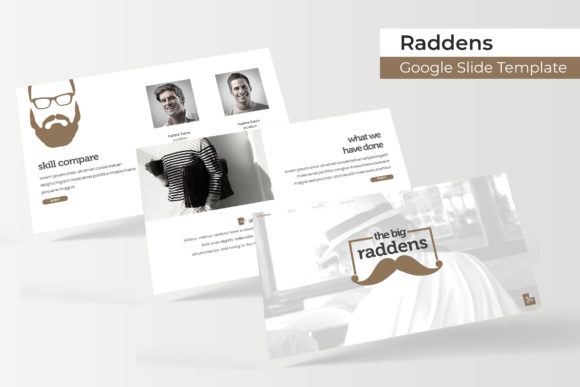
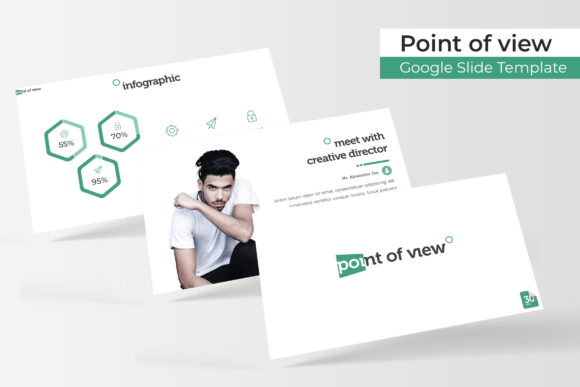
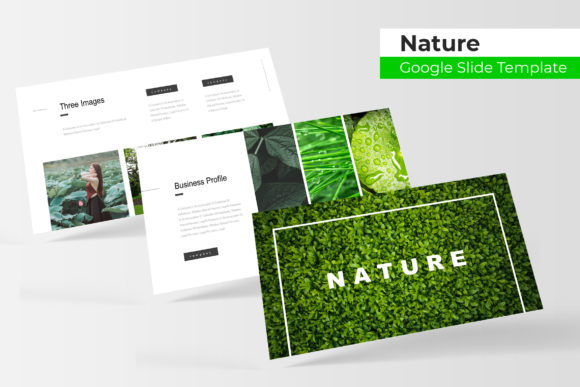
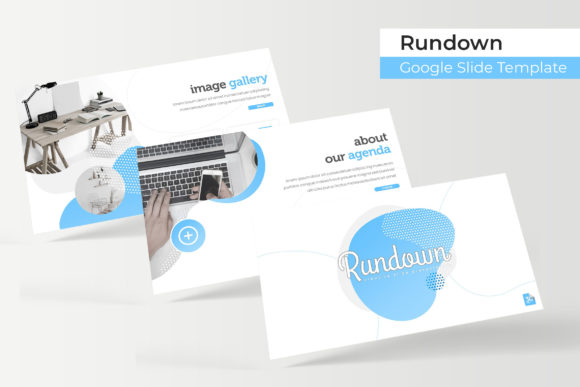
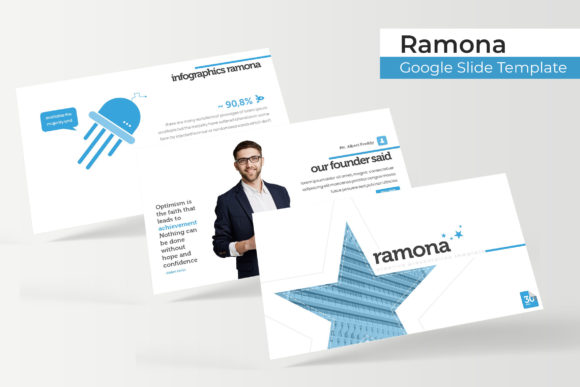
Creating a professional presentation that consistently represents your brand is a common challenge for entrepreneurs and designers alike. The Ramona Google Slide Template offers a comprehensive solution, moving beyond basic slide decks to provide a cohesive visual system for your ideas. This isn't just another set of slides; it's a thoughtfully designed toolkit featuring over 150 total slides across five premade color variations, giving you the flexibility to match any brand palette or project mood. Each color theme includes 30 meticulously crafted slides, ensuring you have the right layout for every part of your narrative, from an impactful opening to detailed data breakdowns and a strong closing call to action.
A Visual System Built for Real-World Projects
What sets a template like this apart is its focus on practical application. The inclusion of handcrafted infographics and dedicated section break slides transforms how you communicate complex information. Instead of struggling to visualize data or creating jarring transitions between topics, you have access to pre-designed elements that maintain visual flow and clarity. The gallery and portfolio slides are particularly valuable for creative professionals, agencies, or product-based businesses. They provide a polished framework to showcase work, case studies, or product lines, making your portfolio feel curated and intentional rather than hastily assembled.
For those building or refreshing a brand identity, consistency is key. The Ramona template is built on master slides, which is the backbone of any efficient design system. This means every element, from fonts and colors to placeholder graphics, is synchronized. Changing your primary brand color or updating your logo across all 150+ slides can be done in minutes, not hours. This level of control is crucial for maintaining a professional image across all your marketing assets, whether you're presenting to investors, training a new team, or sharing a webinar with your audience.
Enhancing Your Workflow and Brand Communication
Imagine preparing a pitch for a new client. With the Ramona Google Slide Template, you can start with a color variation that aligns with their industry or your brand's seasonal campaign. The drag-and-drop picture placeholders and resizable, editable graphics allow you to quickly insert your own images and adjust layouts without breaking the design. This adaptability is a huge time-saver for content creators who need to produce multiple presentations from a single base. The pixel-perfect illustrations ensure that every visual element looks sharp and professional, whether displayed on a large screen or a laptop during a video call.
Consider the practical uses beyond a standard business presentation. Marketing teams can use it to craft compelling campaign briefs. Educators and coaches can structure course modules with clear, engaging visuals. Bloggers and influencers can repurpose presentation content into social media graphics or digital products, leveraging the consistent design language to strengthen their brand recognition across platforms. The professional presentation of information directly impacts audience engagement; a well-organized, visually appealing slide deck holds attention and makes your message more memorable and credible.
Practical Tips for Getting the Most from Your Template
To fully leverage a tool like the Ramona Google Slide Template, think of it as a starting point, not a rigid constraint. First, take time to explore all five color variations and the included slide types. You might find that a section break slide designed for a title can be repurposed as a powerful quote graphic for social media. When customizing, use the master slides to make global changes efficiently. This practice not only saves time but also prevents accidental inconsistencies that can make a presentation look unprofessional.
While the template provides a strong visual foundation, pairing it with the right typography is essential for readability and brand personality. The template includes recommendations for free fonts, which is a thoughtful touch for ensuring everything works together seamlessly. When selecting additional fonts for your content, consider contrast—a clean sans-serif for body text often pairs well with a more distinctive display font for headlines. Always test your chosen font pairings at the actual viewing size to ensure legibility, especially for data-heavy slides or when presenting in large rooms.
Finally, remember that the photographs and mockup images in any template preview are for demonstration. The real value lies in the structure, layout system, and design assets you own. Use your own high-quality images and graphics to make the presentation uniquely yours. By combining the Ramona template's robust framework with your specific content and brand assets, you create a powerful communication tool that feels both professional and authentic, helping you present your ideas with confidence and clarity.