Raddens Google Slide Template: Streamline Your Presentations
Let's be honest—building a presentation from scratch is a time sink. You spend hours fiddling with alignment, color schemes, and placeholder text, only to end up with something that feels generic. That's where a thoughtfully designed template like the Raddens Google Slide Template enters the picture. It's not just another slide deck; it's a structured system built to help professionals deliver polished, visually cohesive presentations without the usual design headaches.
A Visual System Built for Real-World Use
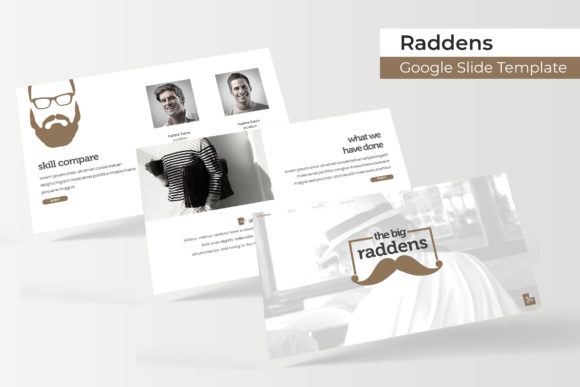
What sets this template apart is its sheer volume and flexibility. We're talking over 150 total slides, organized across five premade color variations. Each color theme includes 30 slides, giving you a substantial library to pull from regardless of your project's tone or branding requirements. Whether you're pitching investors, presenting quarterly results to stakeholders, or teaching a workshop, having that kind of variety at your fingertips means you're not recycling the same six layouts over and over.
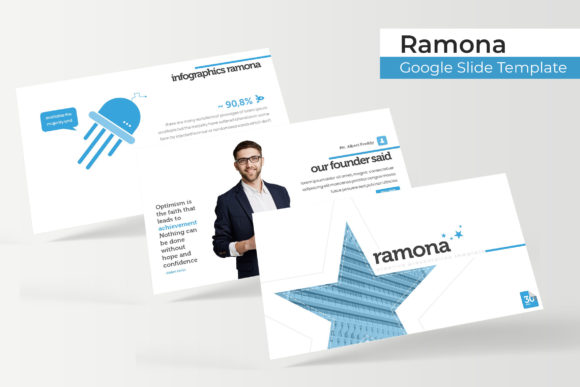
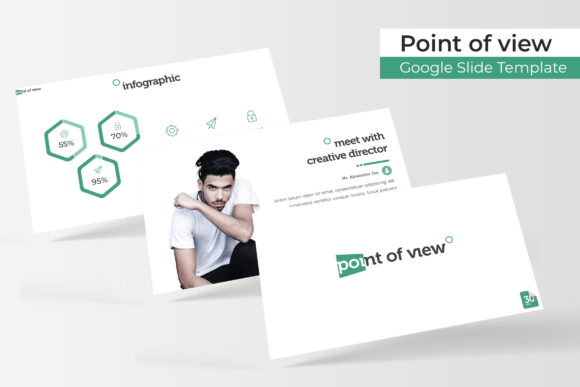
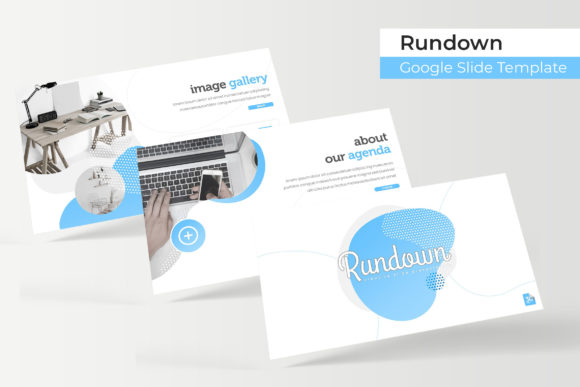
The design language leans clean and modern. Handcrafted infographics break down complex data into digestible visuals—think process flows, comparison charts, and timeline graphics that actually look like someone put thought into them. Section break slides create natural pauses in your narrative, helping audiences absorb information before moving forward. And for anyone showcasing work, the gallery and portfolio slides offer a structured way to display images, case studies, or product shots without cluttering the screen.
Practical Features That Save You Time
One of the most frustrating aspects of working with presentation templates is rigid, hard-to-edit graphics. The Raddens template sidesteps this problem with resizable and editable graphic elements built on master slides. This means when you adjust one element, the entire layout responds intelligently. Picture placeholders use a drag-and-drop system—swap in your own images without wrestling with cropping tools or aspect ratio issues. The pixel-perfect illustrations maintain their crispness whether you're presenting on a laptop screen or projecting onto a conference room wall.
For designers and content creators who work across platforms, the inclusion of both standard and widescreen PPTX files is a practical touch. You're not locked into one format, which matters when you're adapting a single presentation for different contexts—a webinar versus an in-person keynote, for instance.
Where This Template Actually Shines
Think beyond the typical boardroom presentation. A well-structured slide deck serves as a powerful tool for brand identity work. Small business owners can use it to create consistent brand guidelines documents. Marketing teams can build campaign briefs that look professional enough to share with clients. Educators and course creators can develop visually engaging lesson materials that hold attention better than walls of text.
Social media managers will find value here too. Individual slides can be exported as graphics for Instagram carousels, LinkedIn posts, or Pinterest pins. The infographic slides, in particular, translate well to social formats where visual storytelling drives engagement. Bloggers and content creators can repurpose presentation data into website graphics or newsletter headers, extending the value of a single template across multiple touchpoints.
For entrepreneurs putting together pitch decks, investor updates, or product launch materials, having a consistent visual framework builds credibility. Audiences—even unconsciously—pick up on design inconsistencies. When your typography, color palette, and layout feel unified, your message lands with more authority.
Working With Color and Typography
The five premade color themes aren't arbitrary palettes. They're curated to cover a range of professional contexts—from bold, energetic schemes suited to creative industries to restrained, corporate-friendly tones appropriate for finance or consulting. Switching between them takes seconds, which is useful when you're adapting a presentation for different audiences or client brands.
Typography plays a supporting but critical role. The template uses free fonts, and the included readme file provides download links so you can maintain consistency across devices. This matters more than people realize. Nothing undermines a polished presentation faster than a missing font substitution that throws off your entire layout. Having the exact typefaces specified—and freely available—eliminates that risk.
Getting the Most Out of Your Investment
A few practical tips for anyone working with this or any premium template system. First, don't treat it as a finished product. The real value lies in the structure it provides. Use the master slides as your foundation, then customize aggressively. Adjust colors to match your brand palette. Replace placeholder text with your actual content. Swap stock-style images for your own photography or illustrations.
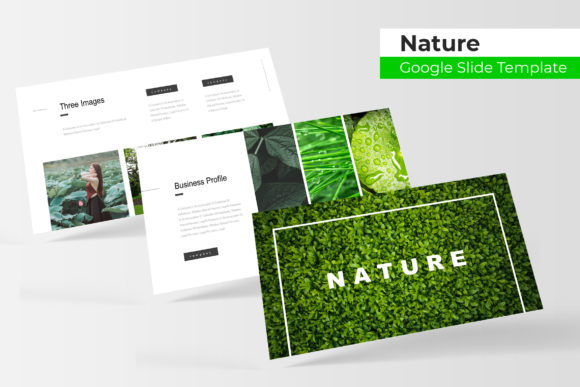
Second, pay attention to readability. Just because a slide has space for 200 words doesn't mean you should fill it. The best presentations use slides as visual anchors—supporting what the speaker says rather than duplicating it verbatim. Let the infographics do the heavy lifting for data. Use the portfolio slides to let images speak for themselves.
Third, consider how your presentation fits into your broader design ecosystem. If you're building a brand, your slide deck should feel like it belongs alongside your website, your social media graphics, and your print materials. Consistency in color, typography style, and visual tone across these touchpoints strengthens brand recognition and makes your business look established—even if you're just starting out.
What's in the Package
The download includes five PPTX files in standard format and five in widescreen, covering all five color themes. A readme file walks you through setup, and font download links are included so you're not hunting for typefaces after the fact. Note that preview images used in the demo are for illustration purposes only and aren't part of the final package—something worth keeping in mind if you're planning to use similar imagery in your own presentations.
For anyone who regularly creates presentations—whether for clients, teams, or personal projects—having a reliable, well-structured template library isn't a luxury. It's a practical necessity that pays dividends every time you sit down to build a deck. The Raddens template offers enough depth and flexibility to serve across industries and use cases, making it a solid addition to any designer's or professional's toolkit.