Renato Keynote Template: Streamline Your Presentation Design
You know the feeling. You've got a big presentation coming up—a pitch to investors, a workshop for your community, or a quarterly review for your team. The content is solid, but the thought of starting from scratch in Keynote feels daunting. Hours spent aligning boxes, choosing color palettes, and searching for the right infographic icon can drain your creative energy before you even begin to refine your message. This is where a robust, well-structured template becomes less of a luxury and more of a strategic tool for anyone who communicates ideas visually.
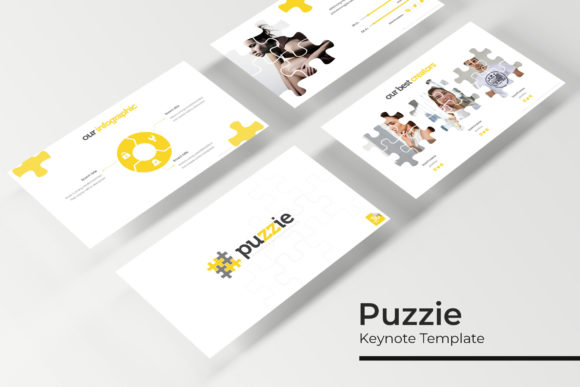
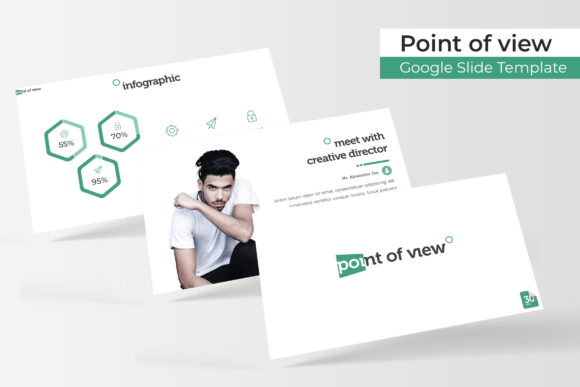
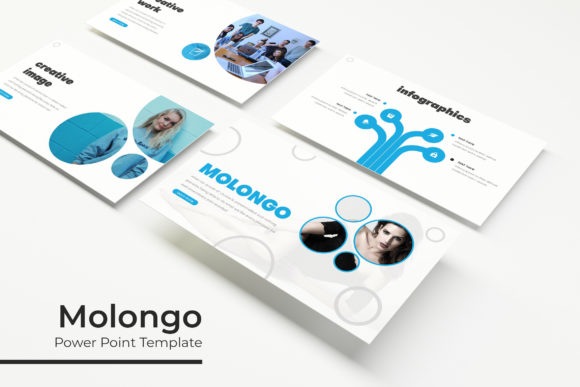
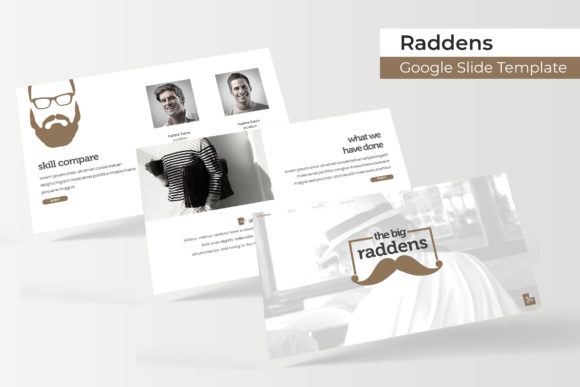
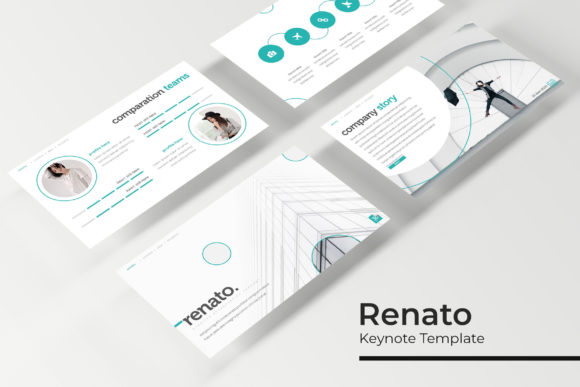
The Renato Keynote Template is built for this exact scenario. It’s not just a collection of pretty slides; it’s a comprehensive design system packaged for presentation software. With over 150 total slides organized across five distinct color themes, it provides a foundational visual language that you can immediately adapt to your brand or project. Each of the five premade color variations includes 30 meticulously crafted slides, ensuring you have a cohesive starting point whether you're leaning towards a classic, vibrant, or minimalist aesthetic. This structure is a game-changer for maintaining visual consistency from the first slide to the last, which is critical for professional credibility and audience retention.
A Toolkit for Diverse Visual Communication
Think of this template as a versatile design asset in your toolkit, much like a premium font or a curated icon set. Its applications extend far beyond a standard business pitch. For a small business owner, it can become the backbone of a brand guidelines presentation, clearly illustrating your logo usage, color codes, and typography hierarchy to new hires or freelance partners. A content creator or blogger could repurpose the gallery and portfolio slides to create a stunning media kit, showcasing past collaborations and audience metrics in a visually engaging format that stands out in a crowded inbox.
The practical features are designed to save you time and reduce friction. The inclusion of handcrafted infographics transforms complex data into digestible stories. Instead of struggling to build a pie chart or process flow from basic shapes, you have professionally designed elements that you can edit to fit your narrative. The section break slides provide a clean, impactful way to transition between topics, helping your audience mentally organize the information you're presenting. Furthermore, the pixel-perfect illustrations and resizable, editable graphics ensure your final output looks sharp and intentional, not like a hastily assembled collage.
From Concept to Polished Presentation
One of the most significant advantages of a system built on master slides is the efficiency it offers. The drag-and-drop picture placeholders are a perfect example. Instead of manually resizing and cropping images to fit awkward frames, you simply drag your photo into the designated area, and it snaps perfectly into place. This feature alone can cut your production time in half, allowing you to focus on refining your script and practicing your delivery. For entrepreneurs juggling multiple roles, this kind of practical, time-saving design is invaluable.
When you download the package, you receive five PPTX files—both standard and widescreen formats—giving you the flexibility to present on different screens and projectors without losing quality. The included "Readme First" file is a thoughtful touch, guiding you through setup and font installation. Speaking of fonts, the template utilizes free, accessible typefaces, with download links provided. This is a crucial detail for ensuring your presentation looks exactly as intended when opened on another computer, avoiding the common pitfall of missing font errors that can disrupt a seamless flow.
Aligning Design with Your Brand Identity
Choosing a presentation template is a branding decision. The clean lines and structured layouts of the Renato system project professionalism and clarity. For a marketing team, using a consistent template across all internal and external presentations reinforces brand recognition. The five color variations allow you to select a palette that aligns with your existing brand identity, or you can use them as inspiration to explore new directions. This adaptability makes it a useful tool not just for immediate projects, but for ongoing brand development.
Consider how the visual hierarchy within the slides guides your audience's attention. The balance between text areas and visual elements is carefully considered, promoting readability and engagement. You can use the ample white space to emphasize key points, or leverage the infographic slides to break up dense information. This thoughtful design helps improve audience comprehension and keeps viewers focused on your core message, rather than being distracted by cluttered or inconsistent visuals.
Ultimately, a tool like the Renato Keynote Template is about removing barriers to effective communication. It provides a professional, polished foundation so you can concentrate on what you do best: telling your story, sharing your expertise, or pitching your vision. By handling the heavy lifting of layout and design consistency, it empowers you to create presentations that are not only informative but also visually compelling and memorable.