Coat Power Point Template: A Visual Toolkit for Modern Brands
Let's face it: the default PowerPoint slide deck is a design dead end. You know the look—the sterile blue gradient, the bullet points that never quite align, the clip art that screams "last-minute presentation." It’s the visual equivalent of showing up to a client pitch in sweatpants. But what if your slides could carry the same polish and professionalism as your best logo or your most-liked Instagram post? That’s the promise of a thoughtfully designed template system, and the Coat Power Point Template is a compelling example of how a structured design asset can transform your visual communication from forgettable to formidable.
Beyond Slides: A Foundation for Visual Consistency
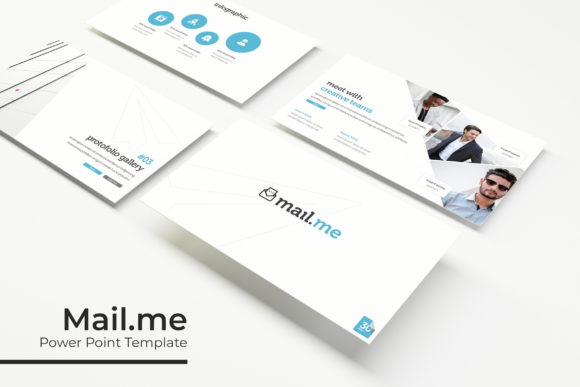
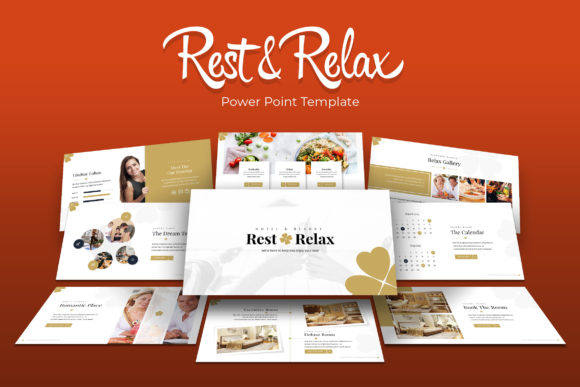
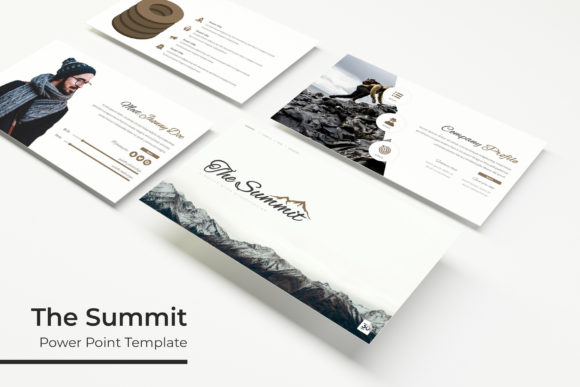
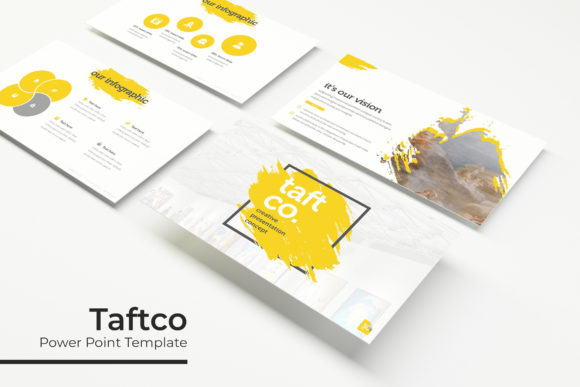
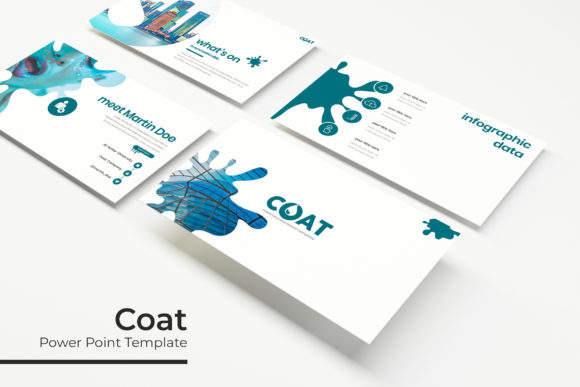
Think of the Coat Power Point Template not as a collection of slides, but as a brand identity toolkit in presentation format. With over 150 total slides across five premade color palettes (30 slides for each variation), it offers a depth that solves a common problem: visual inconsistency. How many times have your social media graphics, internal reports, and pitch decks all looked like they came from different companies? This system provides a unified visual language. The handcrafted infographics, section break slides, and gallery layouts are all designed to work together, ensuring that whether you're presenting a quarterly report or a product launch, every visual element reinforces your brand's look and feel. This is modern typography and layout thinking applied to a medium many of us are forced to use daily.
Practical Applications for the Entrepreneur and Creator
The true value of any design asset lies in its versatility. The Coat template’s pixel-perfect illustrations and resizable graphics are built for real-world use. Consider these scenarios:
- Small Business Owners: Create investor-ready pitch decks, product catalogs, or staff training materials that look professionally designed without the agency price tag. The picture placeholder drag & drop feature lets you seamlessly integrate your own product shots.
- Content Creators & Marketers: Develop cohesive social media graphics for campaigns by extracting elements from the slides. Use the infographic slides to break down complex data for your blog or YouTube video. The portfolio slides are perfect for showcasing past work to potential clients.
- Designers & Agencies: Use the master slides as a starting point for client projects, saving hours on initial layout design. The clean structure is an excellent canvas for applying a client's specific font pairing and color scheme.
- Event Planners & Educators: Craft beautiful invitations, workshop materials, or educational modules. The editable graphic elements mean you can adapt the style for a wedding mood board or a corporate training session with equal ease.
It’s a premium font and design package that reduces the friction between idea and execution. Instead of wrestling with alignment and formatting, you can focus on your message.
Mastering the Details: What Makes It Work
The technical specifications of the Coat template are where its professional edge becomes clear. Being based on Master Slides means that global changes—like updating your brand color or adjusting a font—are applied instantly across all 150+ slides. This is a game-changer for maintaining visual consistency, especially for brand identity projects where every pixel matters. The pixel-perfect illustrations ensure your infographics look sharp on any screen, from a laptop to a projector, enhancing readability and professional presentation.
Furthermore, the inclusion of 5 PPTX Widescreen files and a Readme First file with a free font download link shows an understanding of the user's workflow. You’re not left guessing about licensing or hunting for fonts. This attention to the practical "how-to" is what separates a helpful design asset from a frustrating one.
Integrating the Template into Your Broader Design Strategy
A powerful template like this shouldn’t live in isolation. Its greatest strength is how it can inform and elevate your other creative projects. For instance:
- Font Pairing Exploration: Use the slides to test how your chosen serif font or sans serif font pairs with the template's recommended typeface. Does a script font work for headers? Does a handwritten font add the right touch for a casual brand? The slides give you a structured way to experiment.
- Packaging and Merchandise Mockups: The clean, adaptable layouts can serve as a base for creating mockups. Place your logo and product imagery onto the slide designs to visualize how your branding might look on packaging design or merchandise before committing to print.
- Editorial and Web Design: The grid systems and typographic hierarchy within the slides are principles that translate directly to editorial design for a blog or web design for a landing page. Let the template’s structure inspire your website’s layout.
By treating the Coat Power Point Template as a springboard rather than a final product, you unlock its potential as a comprehensive design asset. It’s a practical solution for anyone who needs to communicate ideas visually with clarity and style, proving that even in the world of presentations, thoughtful design is not a luxury—it’s a powerful advantage.