Reglow: A Dynamic Google Slides Template for Modern Brands
Let's be honest: staring at a blank slide deck is one of the most daunting tasks for any professional. Whether you're a startup founder preparing for a pitch, a marketing manager outlining a quarterly strategy, or a designer creating a visual portfolio, the pressure to look polished and organized is immense. You need a presentation that doesn't just hold information but communicates your brand's credibility instantly. This is where finding the right design asset becomes less about aesthetics and more about efficiency. Enter the Reglow Google Slide Template, a comprehensive presentation solution designed to bridge the gap between professional ambition and practical execution.
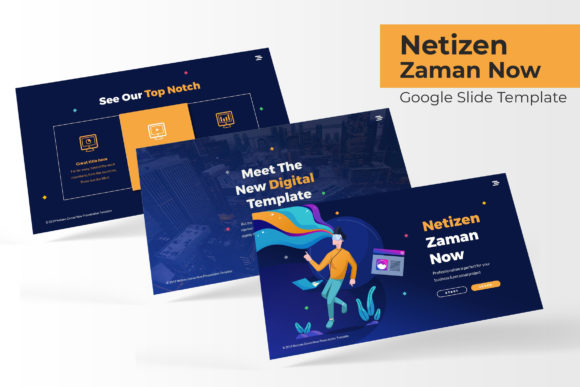
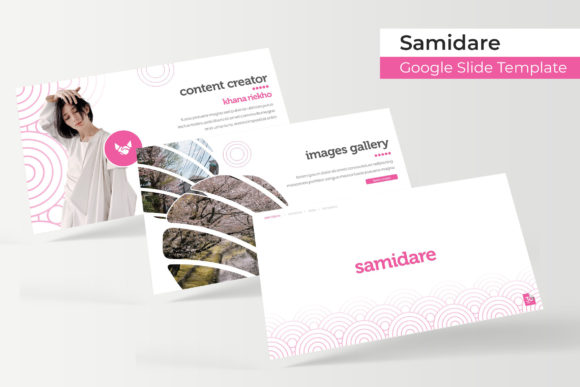
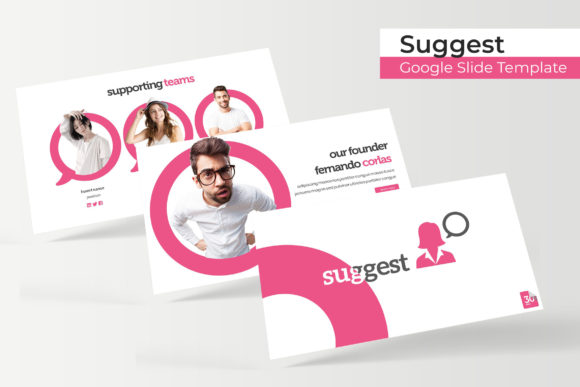
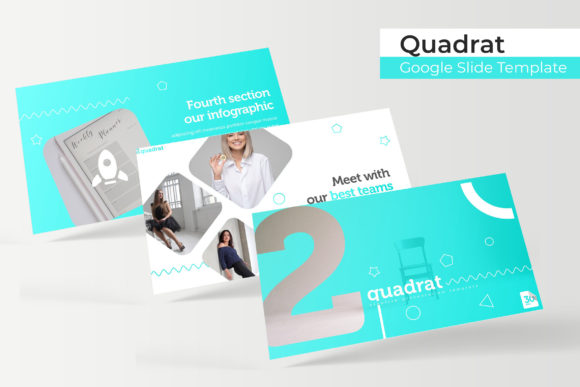
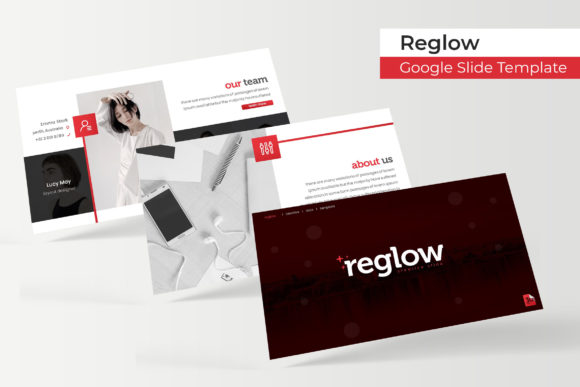
The core appeal of Reglow lies in its sheer volume and versatility. It isn't just a single deck; it is a suite of design assets featuring 150+ total slides distributed across 5 premade colors. This structure offers 30 slides for each template variation, ensuring that you have enough visual real estate to tackle complex projects without running out of layouts. For busy entrepreneurs and creatives, this eliminates the "design fatigue" that comes from trying to force a single template to work for every type of content. Instead, you can select a color variation that aligns with your current brand guidelines and start building immediately.
Visual Consistency and Brand Recognition
One of the most significant challenges in visual communication is maintaining consistency. A disjointed presentation—where fonts clash, colors shift without reason, or imagery feels haphazard—can distract your audience from your actual message. The Reglow template addresses this through Master Slides. By basing every layout on a master design, the template ensures that your headers, footers, and content blocks remain uniform throughout the deck.
This structural integrity is vital for brand identity. When you use a cohesive template, you reinforce your brand's look and feel with every slide transition. The 5 color variations included in the package allow you to match the deck to your specific palette. If your brand is bold and energetic, you might choose a vibrant color scheme; if you are in a corporate or legal sector, a more subdued, professional palette is available. This flexibility means the template adapts to your brand, rather than forcing you to adapt to the template.
Practicality Meets Pixel-Perfect Design
Aesthetics are important, but functionality is what makes a template worth downloading. The Reglow template is built for the busy professional who values speed without sacrificing quality. The graphics are described as pixel-perfect illustrations, ensuring that even when projected on large screens, lines remain crisp and colors stay true.
Perhaps the most user-friendly feature is the resizable and editable graphic picture placeholder system. We’ve all experienced the frustration of trying to crop an image into a specific shape or struggling to align a photo within a frame. Reglow utilizes a drag & drop interface that makes inserting your own images intuitive. Whether you are showcasing a product line, displaying team headshots, or highlighting portfolio pieces, the process is streamlined. This is particularly beneficial for small business owners who may not have advanced technical skills in presentation software but need a high-end result.
Furthermore, the inclusion of handcrafted infographics is a major value add. Data visualization is often the hardest part of a presentation to design from scratch. Reglow provides pre-built charts and diagrams that you can simply populate with your own data. This transforms dry statistics into engaging visual stories, helping your audience grasp complex concepts quickly.
Beyond the Boardroom: Creative Applications
While "presentation" often implies a corporate meeting or a sales pitch, the utility of a robust template like Reglow extends far beyond the boardroom. Its layout versatility makes it a powerful tool for various creative projects.
Consider the needs of a content creator or blogger. You can use the template to create cohesive "lookbooks" or media kits to send to sponsors. The gallery and portfolio slides are specifically designed to highlight visual work, making them perfect for photographers, interior designers, or artists who need to present their past work to potential clients.
For those involved in digital products or education, the template can be repurposed to create engaging lead magnets or online course materials. The clear section break slides help organize educational content into digestible chunks, improving the learning experience for your audience. Similarly, non-profits can utilize the structured layouts for grant proposals and donor presentations, ensuring they appear organized and trustworthy.
What’s Included and Getting Started
Transparency in what you are purchasing is crucial in the digital asset market. The Reglow package is comprehensive, specifically designed for Google Slides users (though PowerPoint files are also included for versatility). Here is a breakdown of what you receive:
- 5 PPTX Files (Standard)
- 5 PPTX Widescreen files (optimized for modern monitors and projectors)
- A Readme First file to guide you through setup
- Information on the font used, including a free font download link
It is important to note the licensing details: All photographs or pictures used in the preview are not included; they are intended for illustration purposes only. This is standard practice in the template industry. You will need to source your own high-quality imagery—whether from your own camera roll or stock photo sites—to personalize the deck. However, the text, vector shapes, and infographic elements are fully editable.
Strategic Presentation Design
Using a template effectively requires more than just plugging in text. To truly leverage the Reglow Google Slide Template, you should approach your content strategy with intention. Start by reviewing the 150+ slides to identify which layouts best serve your specific goals. Don't feel obligated to use every slide; a focused, concise presentation is always more effective than a bloated one.
Pay attention to the typography. Since the template comes with a recommended font link, using that font ensures the design looks exactly as intended. However, if you are aligning the deck with an existing brand, you may need to adjust the font sizes and spacing to accommodate your brand's typeface. The Master Slides make this easy—edit the master once, and the changes apply across the entire deck.
Finally, use the section breaks