Plaque: A Comprehensive Google Slides Template for Polished Presentations
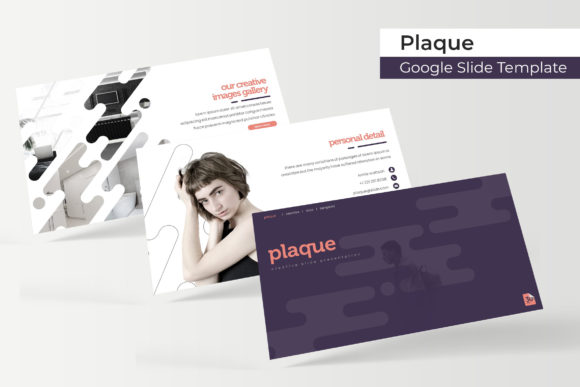
Finding a presentation template that balances professional aesthetics with practical functionality can feel like a search for a needle in a haystack. You need something that looks sharp, adapts to your brand, and doesn't require a design degree to customize. The Plaque Google Slide Template emerges as a robust solution, offering a vast library of over 150 slides organized into five distinct color themes. It's built for those who need to communicate ideas with clarity and visual impact, from pitching a new business strategy to showcasing a creative portfolio.
Beyond a Single Look: The Power of Five Color Themes
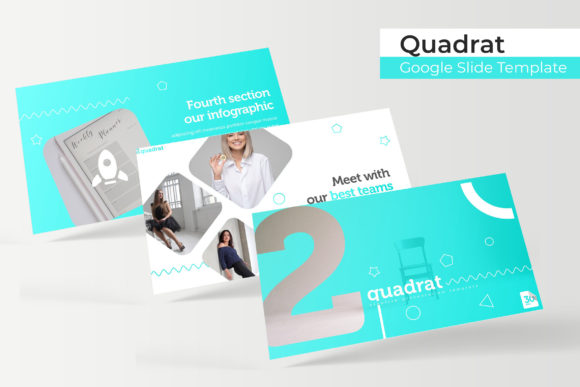
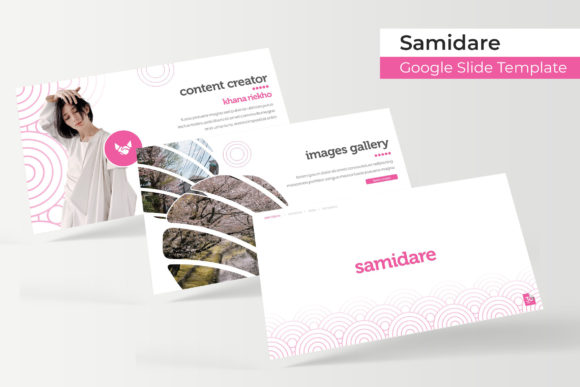
One of the most significant advantages of the Plaque template is its inclusion of five premade color variations. This isn't just about changing a header color; it's about providing a complete visual identity toolkit within a single download. Each of the five PPTX files contains 30 meticulously designed slides, all harmonized with a specific color palette. This structure allows you to instantly match your presentation to existing brand guidelines, the mood of your topic, or the expectations of your audience. For a marketing professional, having a cool, corporate blue theme for a financial report and a vibrant, energetic palette for a product launch ready to go saves hours of manual adjustment.
Designed for Real-World Use: Features That Save Time
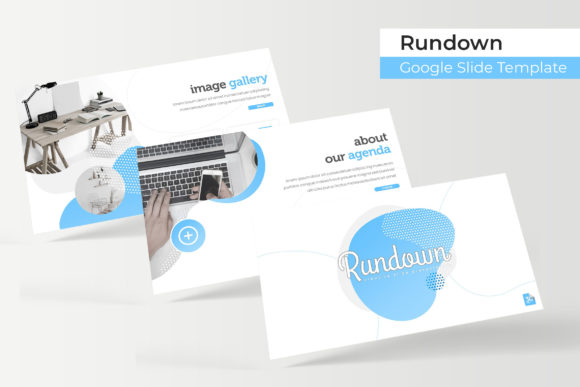
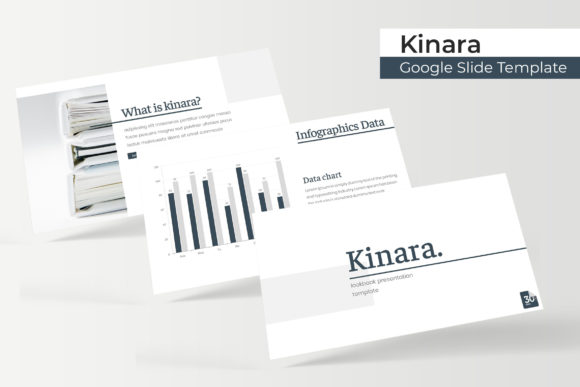
The template's utility is defined by its thoughtful features. The foundation is a master slide system, ensuring global changes to fonts, logos, or color accents are applied consistently across all slides with a single edit. This is crucial for maintaining brand recognition and a professional presentation. The graphics are fully resizable and editable vector illustrations, meaning you can scale them without losing quality and tweak them to fit your narrative. The drag-and-drop picture placeholders are a standout feature for content creators and small business owners; you can simply drop your own images into predefined shapes, creating polished gallery and portfolio slides in minutes.
What's included in the package is straightforward and valuable: five standard PPTX files, five widescreen PPTX files for modern displays, the five color themes, and a readme file. A key detail for designers is the inclusion of a free font download link, ensuring the typography you see in the preview is exactly what you can use, with clear licensing for commercial projects. Remember, the preview photographs are for illustration only, so your final presentation will be populated with your own unique content.
Practical Applications Across Industries
The versatility of the Plaque Google Slide Template makes it a valuable asset for a wide range of projects. For entrepreneurs and startups, it's a tool for crafting compelling investor pitches and company overviews that look polished and trustworthy. The handcrafted infographic slides are perfect for breaking down complex data, market research, or business processes into digestible, visual stories. Bloggers and educators can use the section break slides to organize lessons or tutorial series, while the gallery slides are ideal for photographers, artists, and crafters to display their work in a clean, focused manner.
For marketing teams, the template serves as a foundation for campaign briefs, social media strategy decks, and quarterly reports. The clean, modern typography and structured layouts ensure that key messages and metrics are front and center. The pixel-perfect illustrations and consistent design language help improve audience engagement, as viewers are not distracted by inconsistent formatting or amateurish graphics. It elevates the perceived value of the information being presented.
Making It Your Own: A Guide to Effective Customization
While the template provides an excellent starting point, its true power is unlocked through thoughtful customization. Begin by selecting the color theme that best aligns with your brand identity or the emotional tone of your presentation. The five options give you a significant head start. Next, consider your typography. The included free font is a great default, but don't hesitate to explore font pairings if your brand has specific typefaces. Use a clean sans-serif for body text to ensure readability and pair it with a more distinctive display font for titles. Always test your slides on the actual device and screen you'll be using to present—what looks perfect on your laptop might be too small on a projector.
When adding your content, leverage the pre-built layouts. The section break slides are perfect for transitioning between major topics, and the portfolio slides offer a structured way to showcase case studies or client work. Replace placeholder images with high-quality, relevant photographs or graphics that support your message. Avoid the temptation to overcrowd slides; the strength of the Plaque template lies in its balance of whitespace and content, which guides the viewer's eye effectively.
A Foundation for Clear Communication
Ultimately, the goal of any presentation is to communicate ideas effectively. The Plaque Google Slide Template provides a professional, cohesive framework that helps you achieve that goal without starting from a blank slide. It reduces the friction between having an idea and presenting it in a visually compelling way. Whether you're a designer assembling a client brand guide, a teacher creating educational materials, or a founder pitching your vision, this set of design assets offers the structure and flexibility to build presentations that are both beautiful and functional, ensuring your message is heard and remembered.