Grafity Power Point Template: Your Shortcut to Polished Presentations
You've been there. The presentation is tomorrow, the content is ready, but the slides look like they were thrown together in a rush. The fonts clash, the colors are inconsistent, and the layout feels amateurish. It's a frustrating experience that can undermine even the most brilliant ideas. What if there was a way to bypass that design struggle entirely, starting from a foundation that's already professional, cohesive, and ready for your content?
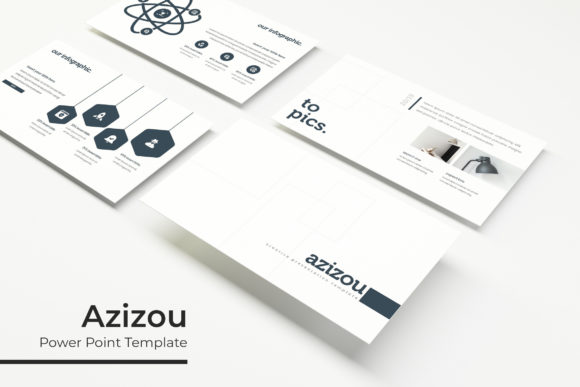
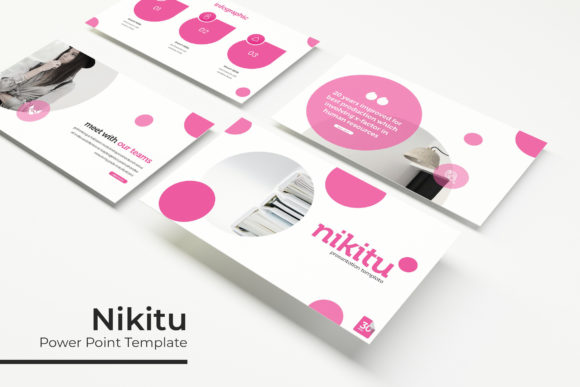
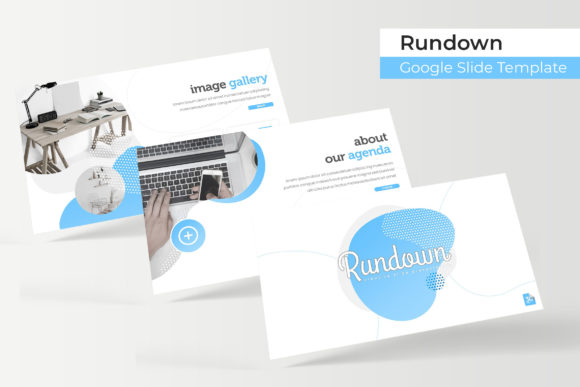
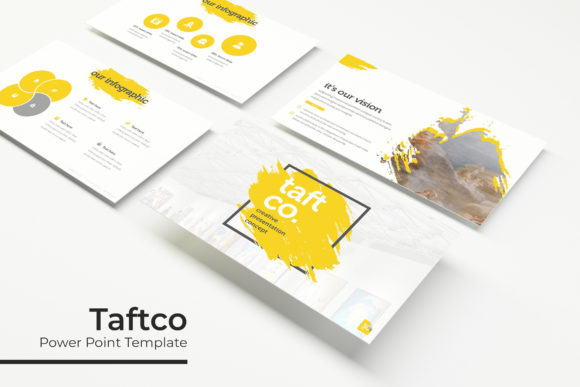
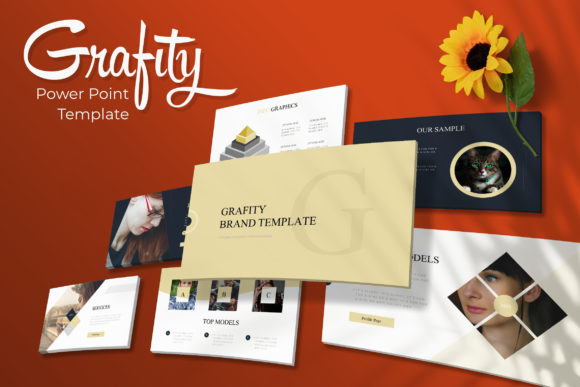
Enter the Grafity Power Point Template. This isn't just another set of slides. It's a comprehensive design toolkit built to give entrepreneurs, marketers, and creators a serious head start. With over 150 total slides organized into five distinct color themes, it offers a level of variety and polish that can transform your presentation from a simple slideshow into a compelling visual story. Let's explore what makes this template a valuable asset for anyone who needs to communicate ideas effectively.
A Foundation Built on Visual Harmony
The core strength of the Grafity template lies in its thoughtful, pre-built structure. Each of the five premade color themes includes 30 unique slides, all designed to work together seamlessly. This means you're not just getting a collection of random layouts; you're getting a complete visual language. The color palettes are carefully chosen, moving beyond basic primaries to offer sophisticated options that can adapt to different brand personalities—from energetic and bold to calm and professional.
Within each set, you'll find dedicated section break slides. These act as visual chapter markers, giving your presentation clear rhythm and helping your audience follow the narrative. There are also specialized gallery and portfolio slides designed to showcase work in an elegant grid format, perfect for designers, photographers, or agencies. The inclusion of handcrafted infographics is a major time-saver, allowing you to present data and processes in a visually engaging way without spending hours building charts from scratch.
Designed for Real-World Use and Flexibility
A beautiful template is useless if it's rigid and difficult to adapt. Grafity is built with practicality at its heart. Every graphic element is resizable and editable, and the use of picture placeholders with drag & drop functionality means updating images is as simple as pulling a file from your desktop. This user-friendly approach respects your time and technical comfort level.
The foundation of the template is its Master Slides. This is a professional workflow where core design elements like logos, footers, and color schemes are controlled from a central location. Editing a Master Slide automatically updates all linked slides, ensuring brand consistency throughout your entire deck. The pixel-perfect illustrations ensure that when you present on a large screen or share a high-resolution PDF, every line and shape looks crisp and intentional. It’s this attention to detail that elevates the final output.
Practical Applications Beyond the Boardroom
While ideal for corporate presentations, the Grafity template's versatility extends far beyond quarterly reports. Its clean, modern aesthetic makes it a powerful tool for various creative and commercial projects.
- Brand Identity & Marketing: Use the slides to create a cohesive brand style guide, showcasing your logo, color palette, and typography in a professional format. The infographic slides are perfect for explaining your brand story or marketing funnels.
- Social Media & Content Creation: Export individual slides or sections as high-quality images for Instagram carousels, LinkedIn posts, or blog graphics. The consistent design helps build a recognizable visual brand across platforms.
- Client Proposals & Pitches: Impress potential clients with a polished proposal that outlines your services, case studies, and pricing in a visually compelling way. The portfolio slides provide a ready-made framework to showcase your best work.
- Workshops & Course Materials: For educators and coaches, the template can structure course content, workshop slides, or downloadable workbooks, adding a layer of professionalism that enhances the perceived value of your offering.
- Digital Products & Sales Decks: Create persuasive sales presentations for your digital products or services. Use the clean layouts to highlight features, benefits, and testimonials without visual clutter.
What You Get and How to Start
The package is straightforward and designed for immediate use. You receive 5 PPTX files (the standard PowerPoint format) in a Widescreen aspect ratio, along with a Readme First document. A key detail is that the font used is free for commercial use, and the download link is included. This removes a common headache—scrambling to find and license fonts that match your design.
A quick but important note: The photographs and pictures seen in the preview images are for illustration only and are not included. This is standard practice, as you'll want to use your own high-quality images to make the presentation uniquely yours.
Tips for Making It Your Own
- Start with the Right Color Theme: Choose the premade color set that best aligns with your project's mood or your existing brand colors. Don't be afraid to mix and match slides from different color sets if you're feeling adventurous, but sticking to one ensures maximum cohesion.
- Embrace the Master Slides: Before you start editing individual slides, take a moment to visit the Slide Master view. Update the placeholder for your logo and set your primary brand color in the theme colors. This one step will save you hours of manual editing later.
- Pair Fonts Thoughtfully: While the included free font is excellent, you may want to pair it with another typeface for variety. The template's clean, modern sans-serif style pairs well with a simple serif font for body text or a bold display font for headlines. Always test pairings for readability.
- Focus on Content Hierarchy: Use the template's structure to guide your audience's attention. Let the bold section breaks signal a new topic. Use the infographic layouts to simplify complex information. Let the gallery slides do the heavy lifting when showing visual work.
Ultimately, the Grafity Power Point Template is about removing the friction between your ideas and their professional presentation. It provides a robust, flexible framework that respects both design principles and the practical realities of busy professionals. By starting with a polished foundation, you can focus your energy on what truly matters: crafting a message that resonates and connects with your audience.